Open Graph image size mistakes that break previews
A practical guide to the image dimensions, file weight, crop-safe layouts, and crawler access mistakes that make social cards unreliable.
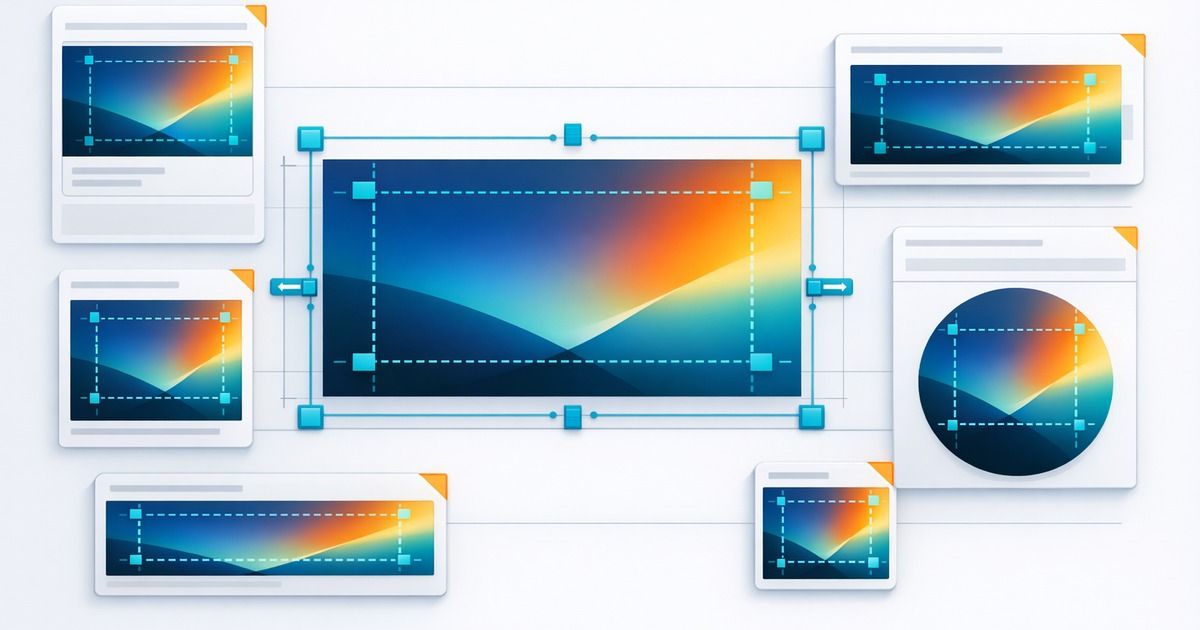
Open Graph image problems are easy to underestimate because the page itself can look perfect. The hero image renders, the CMS preview looks right, and the marketing team approves the creative. Then the link is shared and the preview image is missing, cropped awkwardly, or replaced by a fallback.
The issue is often not the art direction. It is the delivery contract. Social platforms need an image URL they can fetch, understand, cache, and crop into a preview card. If the asset breaks that contract, the platform will improvise.
The safest default size
For most Open Graph previews, 1200x630 is the pragmatic default. It is large enough for high-density displays, matches the common 1.91:1 preview ratio, and keeps crops predictable across LinkedIn, Slack, Facebook-style cards, and many messaging tools.
Size mistakes that cause broken cards
- Using a tiny image that platforms reject or de-prioritize.
- Uploading a huge uncompressed image that is slow to fetch.
- Using a tall portrait image that gets cropped beyond recognition.
- Embedding important text too close to the edge of the card.
- Serving an image through a signed URL that expires.
- Forgetting to update
og:image:widthandog:image:height.
| Mistake | What users see | Better default |
|---|---|---|
| Square image | Cropped or letterboxed card | `1200x630` landscape image |
| Tiny thumbnail | Missing or blurry preview | High-quality card asset |
| Text at edges | Cut-off headline or CTA | Safe margins around key content |
| Private CDN URL | No preview image | Public `https` asset URL |
Do not make the image do the metadata's job
It is tempting to put the page title, subtitle, logo, and CTA inside the image. That can work for some brand campaigns, but it also makes cropping and localization harder. For evergreen blog posts, the preview image should support the link, while og:title and og:description carry the readable text.
This is especially important for generated images. A generated Open Graph image should avoid tiny UI text, invented logos, and dense copy. Keep it visually clear, leave safe margins, and let the metadata fields do their job.
Prepare a reliable Open Graph image
Use this before uploading a share image to Sanity or another CMS.
Start with a wide source
Create or select an image that still works after a 1.91:1 crop.
Normalize to 1200x630
Crop and resize the final asset before referencing it in metadata.
Keep text out of the image
Use metadata fields for headline and description whenever possible.
Publish to a stable URL
Avoid signed, authenticated, or expiring image URLs.
Scan the public page
Confirm the final `og:image` value resolves and matches expected dimensions.
Treat image dimensions as a regression check
Image size is not a one-time setup decision. CMS edits, template changes, CDN transforms, and image pipeline updates can all change the final asset. A metadata regression check should catch when a page that used to emit a clean 1200x630 image suddenly emits a square thumbnail or missing asset.
FAQ
No, but it is a strong default for consistent link previews. The more your image deviates from common card ratios, the more cropping risk you accept.
Yes when you know the final dimensions. They help crawlers understand the asset before rendering the preview.
Yes, as long as they are normalized to the final size, avoid unreliable text, and are referenced through a stable public URL.
Related articles
Put the guide into practice
Check the links your team shares.
Check preview images, titles and descriptions on up to 10 pages. Review the findings, then choose what to monitor.
No account or card. Choose weekly follow-ups by email or Slack after your scan.