Find the pages that need attention
Review metadata findings by URL. Recurring patterns can help your team investigate a shared page template.
Social preview monitoring for teams
Keep an eye on preview images, titles and descriptions across your product and campaign pages. Find issues after publishing changes, and give your team a clear place to start.
Start with a free scan. Then choose weekly follow-ups by email or Slack for up to 10 report pages. No account or credit card.
A clear starting point
See what was checked, which pages need attention and the metadata behind each finding.
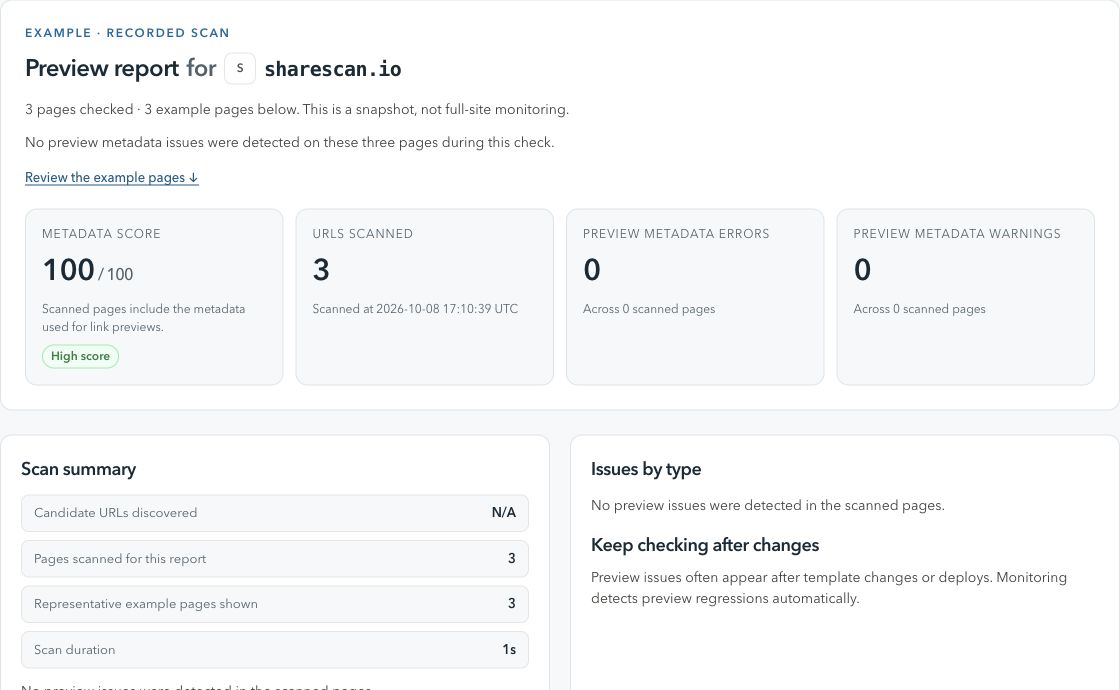
Built for the work after publishing
Review metadata findings by URL. Recurring patterns can help your team investigate a shared page template.
Use scan history and comparisons in your workspace to investigate new errors and check whether earlier issues were resolved.
Receive free weekly reports by email or Slack. Add workspace schedules or publishing triggers as your coverage grows.
Start small. Keep checking.
Enter a URL, domain or sitemap. Review a focused snapshot of the metadata your pages serve.
Confirm your email address, or connect Slack and click Start monitoring in your chosen channel.
Your first follow-up runs within 24 hours, then weekly, for up to 10 report pages. Unsubscribe or stop whenever you need.
When you need more coverage
Paid plans start at NOK 499/month. Full-site coverage requires domain verification and stays within your plan limits.
Fits your publishing process
Verified workspaces can schedule checks, trigger them from CMS webhooks or add ShareScan to GitHub Actions. Give content and engineering teams the same evidence to work from.
Follow the pages that matter between releases.
Run checks when you publish content or deploy a release.
Know what you are checking
We fetch page HTML and check Open Graph and X / Twitter Card metadata, preview image access and related issues. Preview simulations are based on that metadata; platforms control their own rendering and caches.
No. Free email or Slack follow-ups check up to 10 selected pages from your report. A verified workspace gives you URL management and scheduled coverage within your plan limits.
Neither is needed for a free scan or confirmed weekly email follow-ups. Slack is an alternative delivery channel. A ShareScan account is needed to manage a workspace and paid plans.
Guides & research
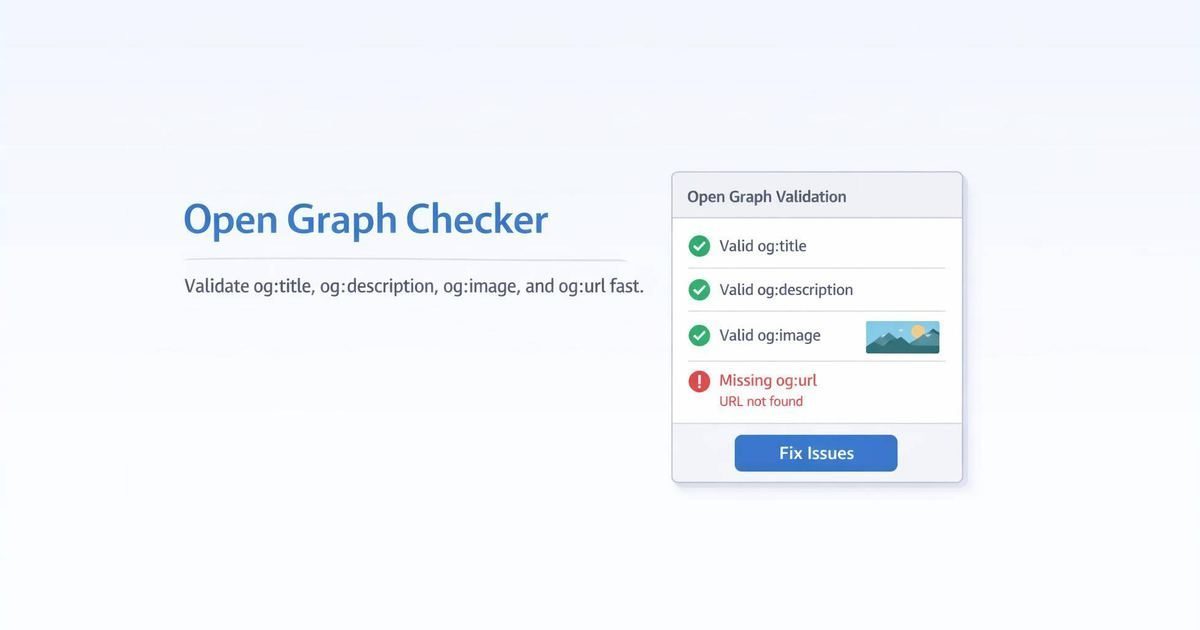
Open Graph · Social Preview
We chased a Facebook/Messenger preview bug through Open Graph tags, image URLs, robots.txt, and range requests. The fix was hiding in Cache-Control.
Open Graph · Social Preview
Changed your og:image but Slack, LinkedIn, or another channel still shows the old card? Use this practical cache and crawler checklist.
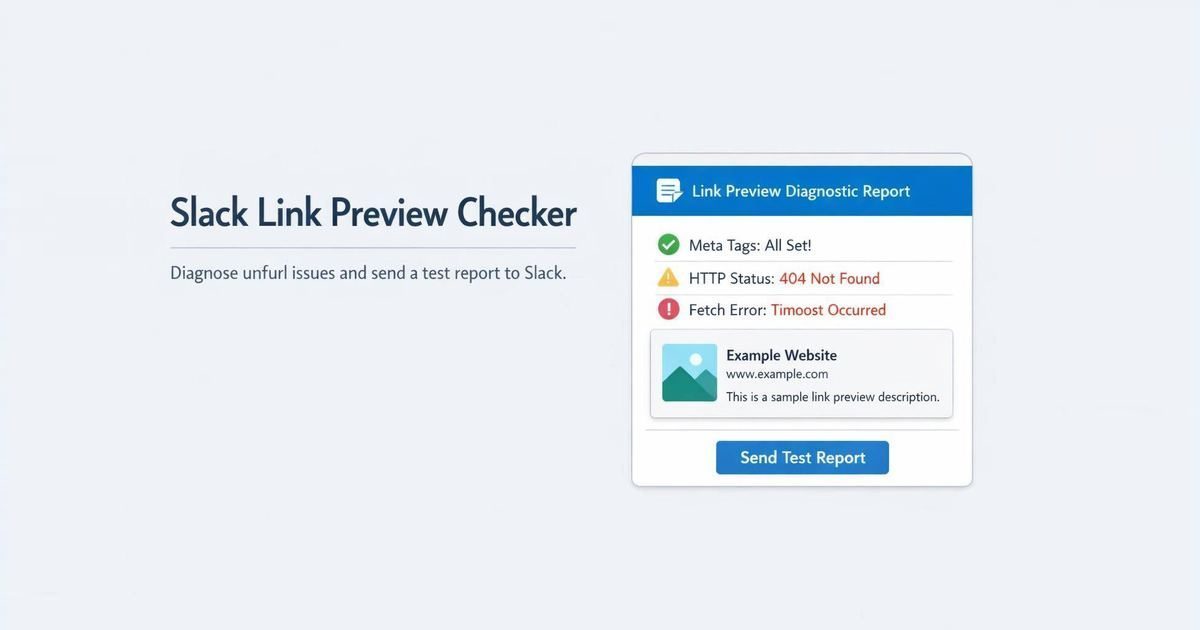
Slack · Social Preview
A practical Slack unfurl checklist for missing previews, stale cards, private pages, crawler access, Open Graph metadata, and preview image failures.
Get a clear first report. Decide what to monitor from there.