Why your LinkedIn preview image is not showing
The practical reasons LinkedIn drops preview images, and the checks that catch the problem before a campaign link goes live.
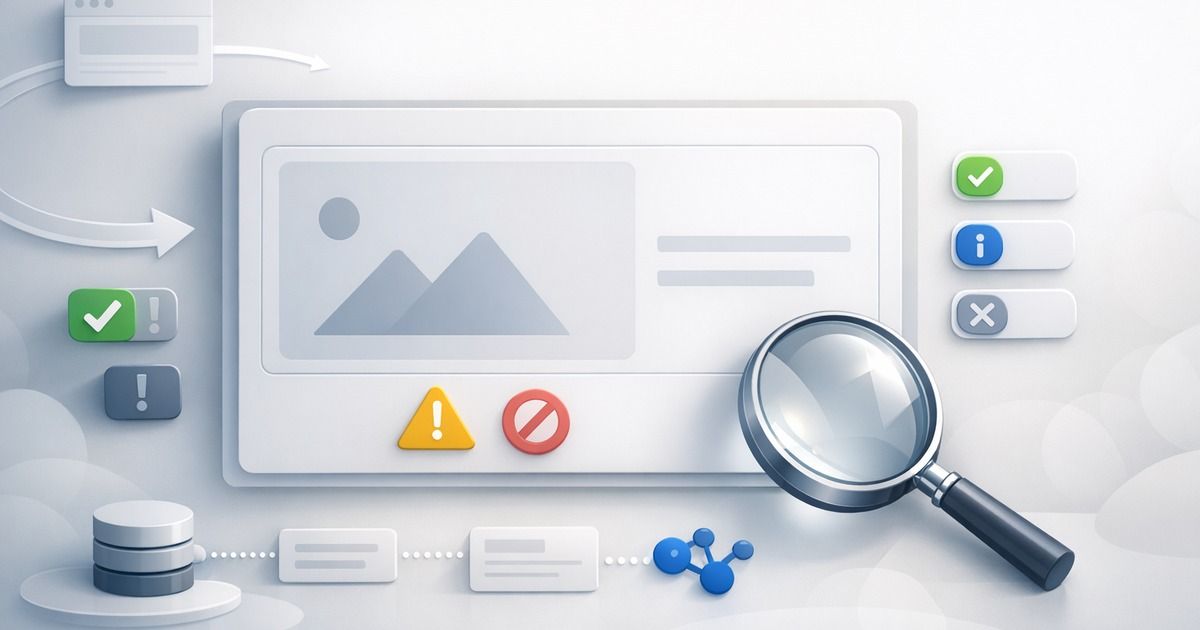
LinkedIn link previews look simple when they work: title, description, image, and destination. When the preview image disappears, the failure feels random. It rarely is. LinkedIn is usually responding to something concrete in the page metadata, image asset, redirect chain, or crawler access.
The first rule is that LinkedIn primarily reads Open Graph metadata. Twitter Card fields can help other platforms, but they are not the main control surface for LinkedIn. If the page has no og:image, points that field at a blocked asset, or sends LinkedIn through a confusing redirect, the final preview can fall back to text-only.
The common causes
- The page is missing
og:image, or the value is empty. - The image is too small, too large, or uses an unreliable aspect ratio.
- The image URL redirects, requires cookies, or blocks bots.
- The CMS published the article but not the image asset.
- The page has multiple conflicting Open Graph image tags.
- LinkedIn cached an old version of the preview.
What LinkedIn expects from the page
LinkedIn does not need a complicated metadata setup, but it does need a stable one. For most marketing pages and blog posts, the useful minimum is:
| Field | Why it matters |
|---|---|
| `og:title` | The preview headline LinkedIn can show in the feed |
| `og:description` | Supporting copy for the link card |
| `og:url` | The canonical URL LinkedIn should associate with the preview |
| `og:image` | The image asset shown on the card |
| `og:image:width` and `og:image:height` | A hint that helps crawlers reserve and validate the image |
The image itself should be a public, absolute https URL. A 1200x630 image is a reliable default because it matches the common 1.91:1 social card shape and also works well across other Open Graph consumers.
Redirects and cache make this harder
LinkedIn may fetch the page as a crawler, not as your logged-in browser. That means it can see a different response. Authentication redirects, geo redirects, bot protection, consent walls, or preview-only CMS URLs can all lead to missing metadata.
Caching adds another layer. If LinkedIn already scraped a broken version of the page, fixing the CMS field may not update the visible card immediately. You still need the source metadata to be correct, but you may also need to refresh LinkedIn's cached view before testing the final link.
Debug a missing LinkedIn preview image
Use this sequence before handing the link to a campaign or sales team.
Check the final public URL
Make sure the link resolves to the published page, not a preview URL or redirect wrapper.
Inspect Open Graph metadata
Confirm `og:image`, `og:title`, `og:description`, and `og:url` are present and absolute.
Open the image directly
Verify the exact image URL loads without cookies, signed URLs, or bot-only failures.
Check dimensions
Prefer a `1200x630` image and include matching width and height metadata when possible.
Re-scrape after fixes
Refresh LinkedIn's cache only after the public page and image are correct.
Prevention is better than manual debugging
The problem usually appears late because teams check previews at the end of the workflow. By then the CMS, CDN, redirect rules, and social platform cache are already involved. A better pattern is to scan the public URL immediately after publish and before campaign distribution.
That scan should answer a few boring but important questions: is the image present, does it have the expected dimensions, does the image URL resolve, and does the page canonical point at the same public URL the team plans to share?
FAQ
LinkedIn mainly relies on Open Graph metadata. Twitter Card fields are useful for X/Twitter, but they should not replace `og:image`, `og:title`, and `og:description`.
It is not the only valid size, but it is a dependable default for Open Graph cards and reduces cross-platform cropping surprises.
Your browser may be authenticated, cached, or allowed through bot protection. LinkedIn's crawler needs the image to be publicly reachable on its own.
Related articles
Put the guide into practice
Check the links your team shares.
Check preview images, titles and descriptions on up to 10 pages. Review the findings, then choose what to monitor.
No account or card. Choose weekly follow-ups by email or Slack after your scan.