Why Slack link previews break after CMS changes
Slack previews often break after CMS edits because a published URL, image asset, or Open Graph field changed outside the release checklist.
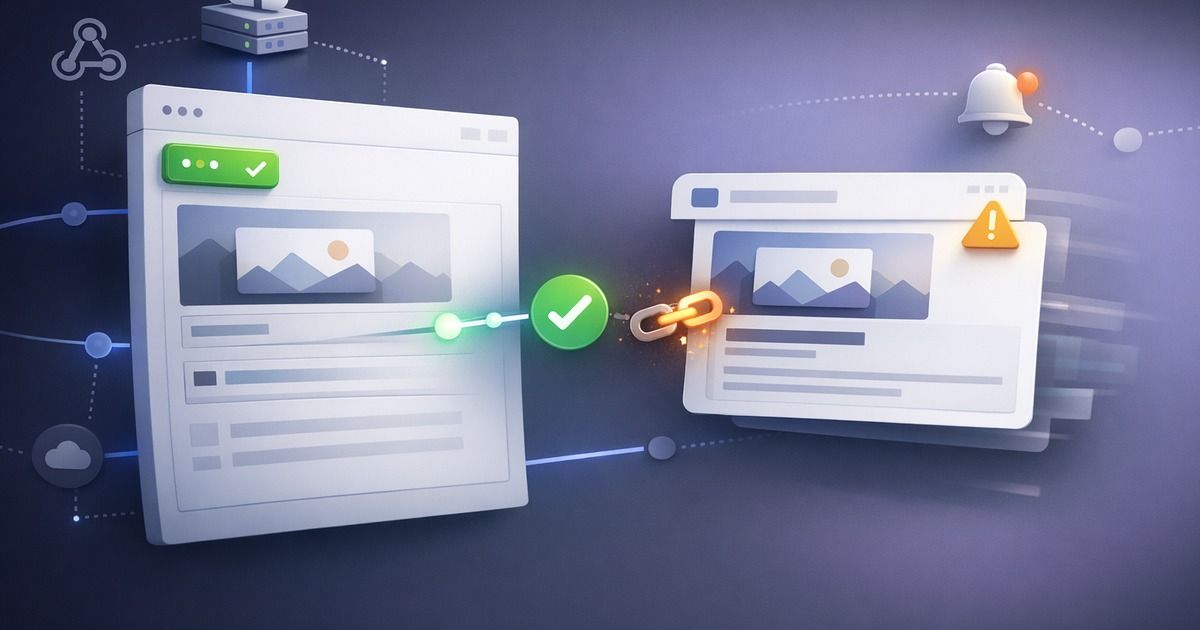
Slack is where many preview bugs become visible because internal teams paste links there all day. A CMS change can look harmless in the editor and still break the Slack unfurl: the image disappears, the title reverts, the description is stale, or the card points at the wrong canonical URL.
This usually happens because CMS publishing is a separate change stream from code deploys. Engineering may have tests around releases, but content teams can change metadata, images, slugs, redirects, and canonical fields without triggering the same checks.
Why CMS changes break Slack previews
Slack reads metadata from the public page. If the CMS changes any part of that public page, Slack sees the result. The common failures are not exotic:
- A new hero image is uploaded but not reachable from the public CDN.
- The CMS field mapped to
og:imageis cleared or renamed. - A slug changes but
og:urlstill points to the old URL. - A preview environment URL is accidentally published as the canonical URL.
- A template update changes metadata for many pages at once.
- Slack cached a previous unfurl and masks whether the source is now fixed.
The CMS fields that matter most
| CMS field | Public metadata it usually controls | Failure mode |
|---|---|---|
| Social image | `og:image` | Missing image or blocked asset |
| SEO title | `og:title` or fallback title | Wrong headline in Slack |
| SEO description | `og:description` | Empty or stale preview copy |
| Slug or canonical | `og:url` and canonical link | Preview points at old URL |
| Template defaults | All fallback metadata | Many pages break at once |
Slack does not care that the edit was "just content." It only sees the final HTML and the final image URL. If those changed, the preview changed.
What to automate after publish
The safest workflow is to scan the URL after the CMS publish event. A webhook from the CMS can trigger a metadata check for the page or site section that changed. The check should verify the published page, not the draft or preview route.
Post-CMS preview check
Use this after content publishes, especially for campaign pages and blog posts.
Trigger on publish
Use the CMS webhook or content release event.
Resolve the public URL
Follow redirects and validate the final destination.
Inspect Open Graph tags
Confirm title, description, image, and URL are present.
Fetch the image asset
Make sure the asset loads publicly and has expected dimensions.
Notify the owner
Send Slack alerts to the team that can fix the CMS field or template.
Caching is part of the workflow
Slack may cache previews, so a fixed page does not always show a fixed unfurl immediately in the same conversation. That can make teams chase the wrong problem. First verify the source metadata. Then refresh or test in a new context as needed.
The important operational habit is to treat metadata as production content. When a CMS change can alter a public preview, it deserves the same kind of regression check as a deploy.
FAQ
Slack may have cached the earlier unfurl. Verify the page source first, then refresh Slack's preview path or test with a clean URL context.
Yes. If the template controls fallback Open Graph fields, a single change can affect every page using that template.
They should see the signal, but the best workflow routes failures to whoever owns the field or template that broke.
Related articles
- Slack Unfurl Debugger: Why Your Link Preview Is MissingRead article
- Link Preview Debugger: How to Find What Broke Before You ShareRead article
- Why Your og:image Is Not Showing (Slack, LinkedIn, or X)Read article
- How Ecommerce Teams Prevent Metadata RegressionsRead article
- Open Graph Image Size: The Practical 2026 GuideRead article
Put the guide into practice
Check the links your team shares.
Check preview images, titles and descriptions on up to 10 pages. Review the findings, then choose what to monitor.
No account or card. Choose weekly follow-ups by email or Slack after your scan.