Introducing ShareScan: Prevent Costly Website Regressions Before They Go Live
Websites rarely fail loudly — but metadata, Open Graph tags, and canonicals break more often than teams realize. ShareScan helps you catch these silent regressions after deploy, with continuous scans and real-time Slack alerts.
Websites break quietly.
Not uptime.
Not performance.
Not always functionality.
But the invisible layer — metadata, Open Graph tags, canonicals, index rules — the things that control how your site appears in search results, social previews, and internal sharing.
And when those break, you usually don’t notice immediately.
You notice when:
- A page is shared on Slack and shows the wrong preview
- A landing page loses traffic after a deploy
- Canonical tags suddenly point to the wrong URL
- A template update wipes out metadata across hundreds of pages
- Marketing flags “something looks off” days after release
These are regressions. And most teams don’t have a reliable way to catch them.
That’s why we built ShareScan.
The Problem: Deploys Are Risky (Even When Everything “Works”)
Modern teams ship fast.
- Headless CMS
- Static generation
- CI/CD pipelines
- Multiple contributors
- Marketing + engineering working in parallel
You can test functionality.
You can test performance.
You can test availability.
But very few teams automatically test:
- Open Graph tags
- Meta descriptions
- Title consistency
- Canonical correctness
- Robots directives
- Metadata drift between staging and production
And these issues don’t throw 500 errors.
They don’t crash the site.
They just quietly reduce performance and visibility.
What ShareScan Does
ShareScan continuously scans your website to detect changes and regressions in:
- Metadata (title, description)
- Open Graph tags
- Canonical tags
- Robots directives
- Other critical SEO/share signals
You can:
- Run scans manually
- Schedule scans
- Trigger scans automatically after deploy (via webhook or GitHub Action)
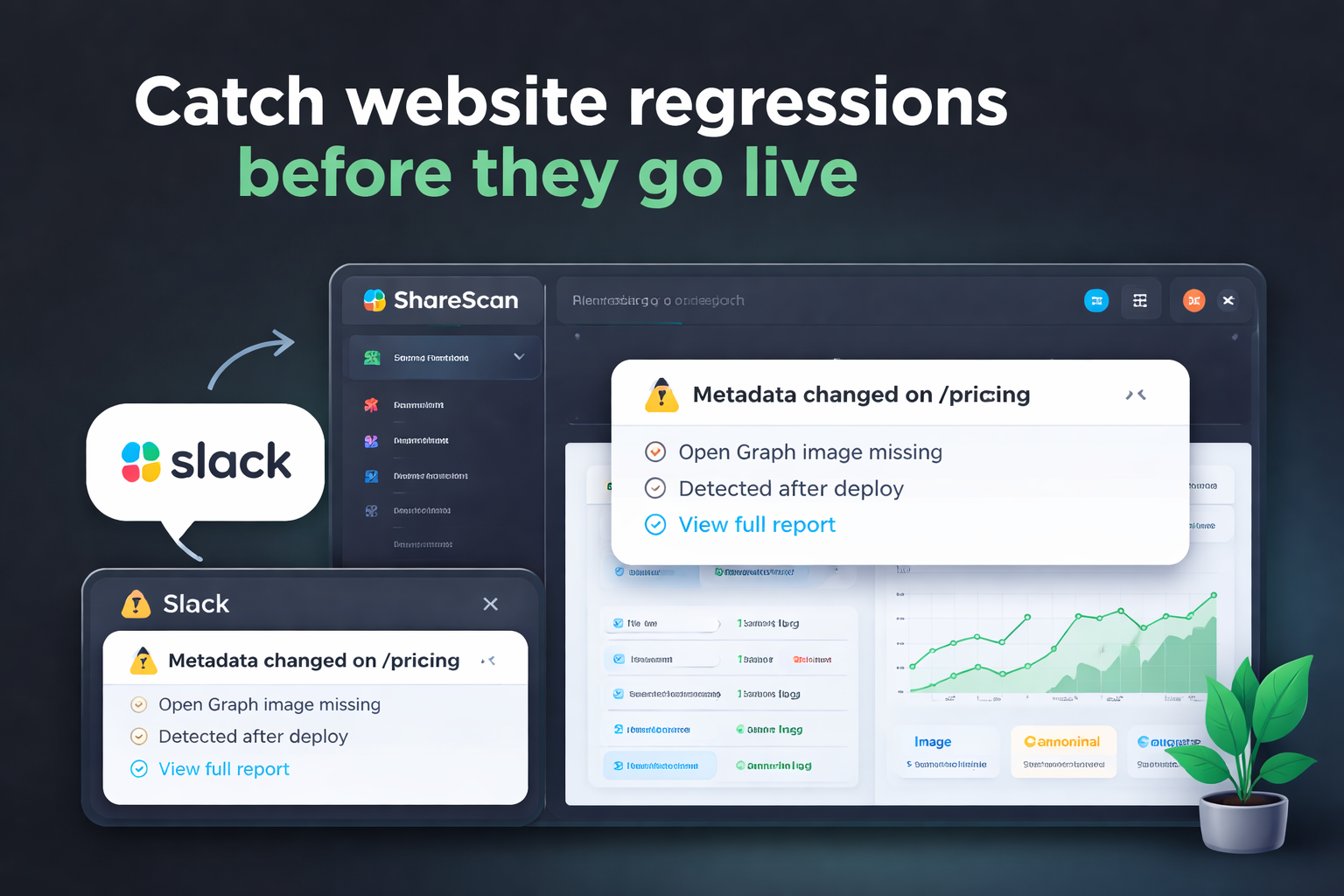
And when something changes, you get a Slack alert.
Not a vague summary.
A specific, actionable alert.
Example:
⚠️ Metadata changed on /pricing
Open Graph image missing
Detected after deploy
View full report →
Now your team knows — immediately.
Built for Teams That Ship Often
ShareScan isn’t an SEO suite.
It’s a QA monitoring layer for teams that deploy frequently.
It’s for:
- SaaS companies shipping weekly (or daily)
- Marketing teams publishing landing pages
- E-commerce sites updating templates
- Agencies managing multiple client sites
If your workflow includes “deploy → hope nothing subtle broke,”
ShareScan adds a safety net.
Why Slack-First Matters
Most monitoring tools live in dashboards.
ShareScan lives where your team already works: Slack.
- Alerts go directly to your chosen channel
- Everyone sees regressions immediately
- No one has to remember to check a dashboard
And setup takes minutes.
Install the Slack app, verify your domain, and monitoring begins.
From First Scan to Continuous Monitoring
You can start with a free scan of your site.
You’ll get:
- A public report
- A list of detected issues
- A clear overview of metadata health
From there, you can enable continuous monitoring and receive alerts when something changes.
No complex configuration.
No heavy onboarding.
Just visibility.
What Makes ShareScan Different
Most tools focus on:
- Rankings
- Backlinks
- Keyword tracking
- Performance metrics
ShareScan focuses on something more operational:
Did your last deploy break something important?
It’s not about optimizing content.
It’s about preventing accidental regressions.
It’s the difference between growth tooling and safety tooling.
Who Should Use ShareScan?
You should consider ShareScan if:
- You deploy frequently
- You manage multiple landing pages
- You’ve ever discovered a metadata issue days after release
- You rely on Slack for team communication
- You want lightweight monitoring without a full SEO platform
If you’ve never had a regression — great.
If you have, you know how frustrating it can be.
Our Philosophy
Monitoring should be:
- Lightweight
- Fast to set up
- Developer-friendly
- Transparent
- Team-oriented
We built ShareScan to be simple enough to enable in minutes, but powerful enough to scale with growing teams.
What’s Next
This is the first post on the ShareScan blog.
In the coming weeks, we’ll share:
- Common metadata regressions we see across production sites
- How to catch Open Graph errors before launch
- Best practices for deploy-triggered monitoring
- Real-world examples from SaaS and e-commerce teams
If you’d like to try it:
👉 Run a free scan at sharescan.io
👉 Or enable Slack monitoring in minutes
Your site may be working.
But is it working exactly the way you think it is?
—
The ShareScan Team
Related articles
TRY SHARESCAN
Run a free 10-URL scan on your pages
Paste a few URLs (or a domain/sitemap) and run the same metadata checks we use for social preview QA and regression monitoring.
No signup for your first scan. Open the report, review issues, then connect Slack if you want alerts.
After scan completion, connect Slack and send a test report.
Up to 10 URLs. We will dedupe and validate automatically. Prepared 0 / 10 unique URLs.